
WebCAM CNC
CNC Software
PCB Studio is the browser-based PCB CAM tool for electronics makers. Drop Gerber and Excellon files, generate isolation routing, edge cuts, and drill ops, then export machine-ready G-code — no expensive CAM license, no install, no friction.
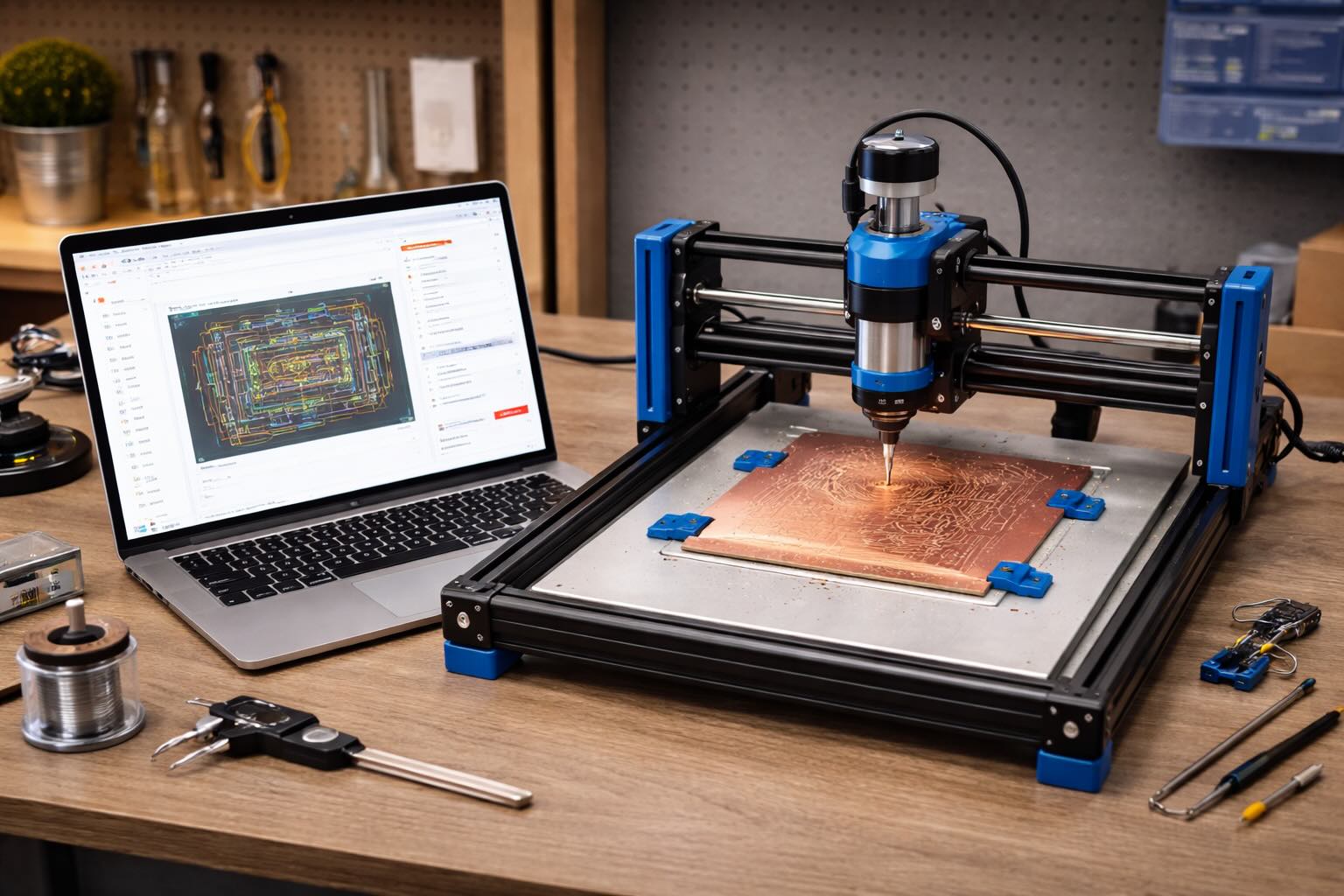
Works with your desktop PCB mill
Why PCB Studio
Most PCB milling workflows mean wrestling FlatCAM, manually tuning isolation offsets, and praying your drill cycles come out right. PCB Studio collapses that into one fluid browser tool — designed by electronics makers, for electronics makers.
Drop your Gerber layers and Excellon drill file and PCB Studio parses them automatically — copper, silk, mask, edge cuts, and drill hits all land on separate layers.
PCB Studio computes the isolation offset around every copper trace and generates a clean, tight toolpath. Adjust clearance and tool diameter — the routing updates instantly.
Generate a profiling pass from your edge-cut layer to cut the board free from the blank. Set tabs to hold it in place during milling.
Excellon files map directly to drill cycles. PCB Studio matches every hole size to the drills you own, writes one file per drill (with optional pecking), and orders the holes for minimum travel.
PCB blanks are never perfectly flat. Enable Z-probing and PCB Studio generates a bed-levelling probe grid and compensates the toolpath so every trace cuts at exactly the right depth.
Open your project on any machine. No CAM license to renew, no dongle to forget, no "works on Windows only." Your PCB studio is wherever your browser is.
How it works
From Gerber files to machine-ready G-code — in three steps. No post-processor, no dongle.
Import your Gerber copper layers and Excellon drill file. PCB Studio parses everything automatically — traces, drill hits, and edge cuts land on separate layers.
PCB Studio computes isolation routing, edge-cut profiling, and drill cycles automatically. Adjust tool diameter and clearance — the toolpath updates live.
Download GRBL G-code split by operation. Run isolation first, then drill, then edge cut. Z-probing compensation is baked in if enabled.
I used to battle FlatCAM for an hour every time I had a new board. PCB Studio parsed my Gerbers, built the isolation route, and had G-code ready in under five minutes.
Isolation routing
PCB Studio computes the isolation offset around every copper path in your Gerber file — the narrow channel that electrically separates your traces. Adjust the V-bit angle and tool diameter and the clearance recalculates immediately. No manual offset fiddling, no re-import loop.
Drill & probing
Excellon files translate directly into organised drill cycles — grouped by diameter, peck-drilled, travel-optimised. Enable the Z-probe grid and PCB Studio generates a mesh of probe points across your blank and bakes the height map into every toolpath move.
Loved by PCB makers
"FlatCAM always broke something when I updated it. PCB Studio just runs in my browser and never changes without warning me."
"The isolation routing is the part I used to dread. Drop the Gerber in, pick my V-bit angle, done. No more manual offset loops."
"Z-probing support is the killer feature. My spoilboard is not flat. Now it doesn't matter."
"I made my first double-sided board this month. The layer alignment workflow in PCB Studio is the clearest I've seen anywhere."
"Drill grouping by diameter means I only change the bit once per board instead of constantly swapping. Huge time saver."
"I sent a Gerber from KiCad and had milling G-code in under three minutes. Genuinely impressed."
FAQ
Still unsure? The free plan is the fastest way to try it — no card, no commitment.
Create a free accountThe Suite
One account unlocks the full WebCAM studio suite. When you're ready to add laser engraving, pen plotting, or router work, it's all here — same canvas, same project library.
Laser engraving & raster workflows for diode and CO₂ lasers.
Pen plotting & precision drawing for Axidraw and iDraw.
CNC router CAM: profiles, pockets and engraving, in beta.
Open PCB Studio free, drop in your Gerbers, and have machine-ready isolation routing in minutes. No install, no credit card, no catch.