WebCAM CNC
CNC Software
Burn Studio is the browser-based laser design tool built for makers. Draw vectors, drop in a photo, dial in power, speed, and passes per layer, and export clean GRBL G-code — no Lightburn license, no install, no friction.
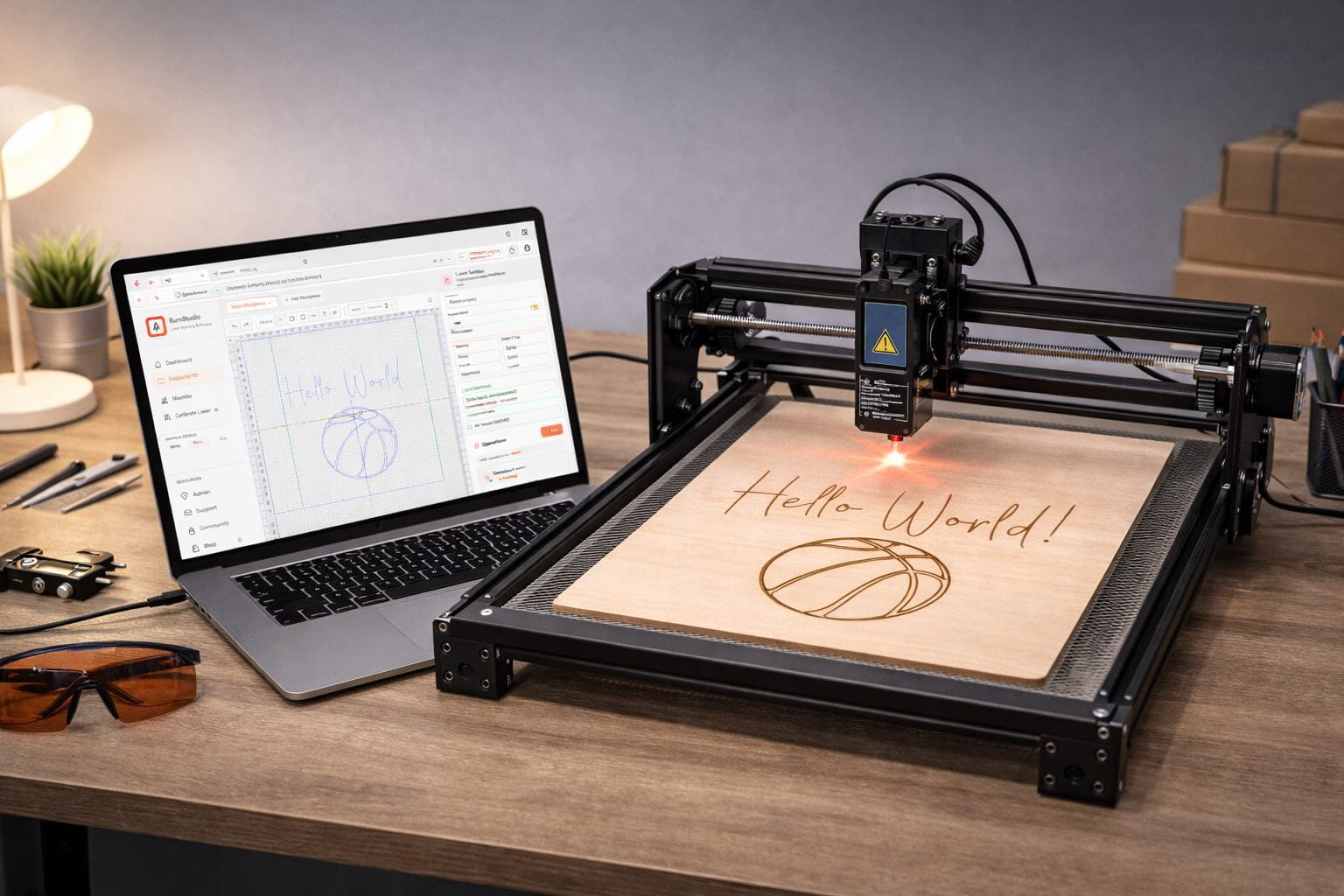
Works with the lasers you already own
Why Burn Studio
Most laser workflows mean juggling Inkscape, a dithering app, a spreadsheet of magic power numbers, and a G-code sender. Burn Studio collapses that into one fluid browser tool — designed by laser users, for laser users.
Each layer gets its own power, speed, and pass count. Stack a raster fill under a vector cut — one project, two operations, zero layer juggling.
Drop a JPG or PNG and choose from Floyd-Steinberg, Jarvis, or stucki dithering. Preview the burn pattern before you send a single line of G-code.
Mix photo raster fills with vector outlines — engrave the art, cut the border. Both live on the same canvas, the same export, the same G-code file.
Toggle M8/M9 air-assist commands per layer and Burn Studio drops them in exactly the right spots in your G-code output. Better cuts, cleaner edges.
Save your perfect birch plywood, acrylic, and leather settings once. Pick a material and Burn Studio dials in power, speed, and passes automatically.
Design on your laptop, tweak on your shop iPad, send a link to a client for approval. No dongle, no license server, no "which PC has the right version."
How it works
From blank canvas to a G-code file your sender can run — in three steps. No post-processor, no dongle.
Draw shapes on the canvas or drop in an SVG, DXF, or photo. Organize raster fills and vector cuts on separate layers — each gets its own settings.
Pick your material from the library — or dial in power, speed, and passes per layer yourself. Live toolpath preview so you see exactly what burns before it does.
Download machine-ready GRBL G-code and drop it into your sender. Air-assist commands are baked in when enabled. Hit start. Make something beautiful.
I finally stopped burning test tiles and started finishing projects. Burn Studio just knows what my xTool needs — I don't even think about power settings anymore.
Photo engraving
Drop a portrait, logo, or artwork into Burn Studio and choose a dithering algorithm. Preview the engraving pattern in-browser before you waste material. Adjust brightness, contrast, and threshold with live feedback — then export and run.
Vector cutting
Import SVG or DXF artwork — or draw directly on the canvas — and assign it to a cut layer. Burn Studio optimizes the path order to minimize travel and generates tight, clean G-code with proper M3/M9 laser commands.
Loved by laser makers
"I sell personalised gifts on Etsy. Burn Studio replaced my whole workflow — Inkscape, dithering app, G-code sender setup — in one browser tab. Cut my prep time in half."
"The dithering preview is a game-changer. I can see exactly how a photo will look before I waste a piece of walnut. Finally."
"Per-layer power settings mean I engrave the art and cut the border in one run. No repositioning, no alignment grief."
"I swap between three different lasers depending on the job. Same project file works on all of them — just pick the machine profile."
"Burn Studio just works with my Sculpfun. Uploaded my SVG, set the layer power, exported. First burn was perfect."
"The air-assist commands in the G-code are exactly where I need them. Feels like whoever built this actually uses a laser."
FAQ
Still unsure? The free plan is the fastest way to try it — no card, no commitment.
Create a free accountThe Suite
One account unlocks the full WebCAM studio suite. When you're ready to add pen plotting, PCB milling, or router work, it's all here — same canvas, same project library.
Pen plotting & precision drawing for Axidraw and iDraw.
Gerber import, isolation routing, and board machining.
CNC router CAM: profiles, pockets and engraving, in beta.
Open Burn Studio free, import your artwork, and have machine-ready G-code in 60 seconds. No install, no credit card, no catch.