
WebCAM CNC
CNC Software
Cut Studio is the browser-based CNC router CAM tool for hobby makers and small shops. Profile, pocket, V-carve, and drill — with automatic feeds & speeds, ramp and helix entries, and machine-ready G-code. Launching later this year.
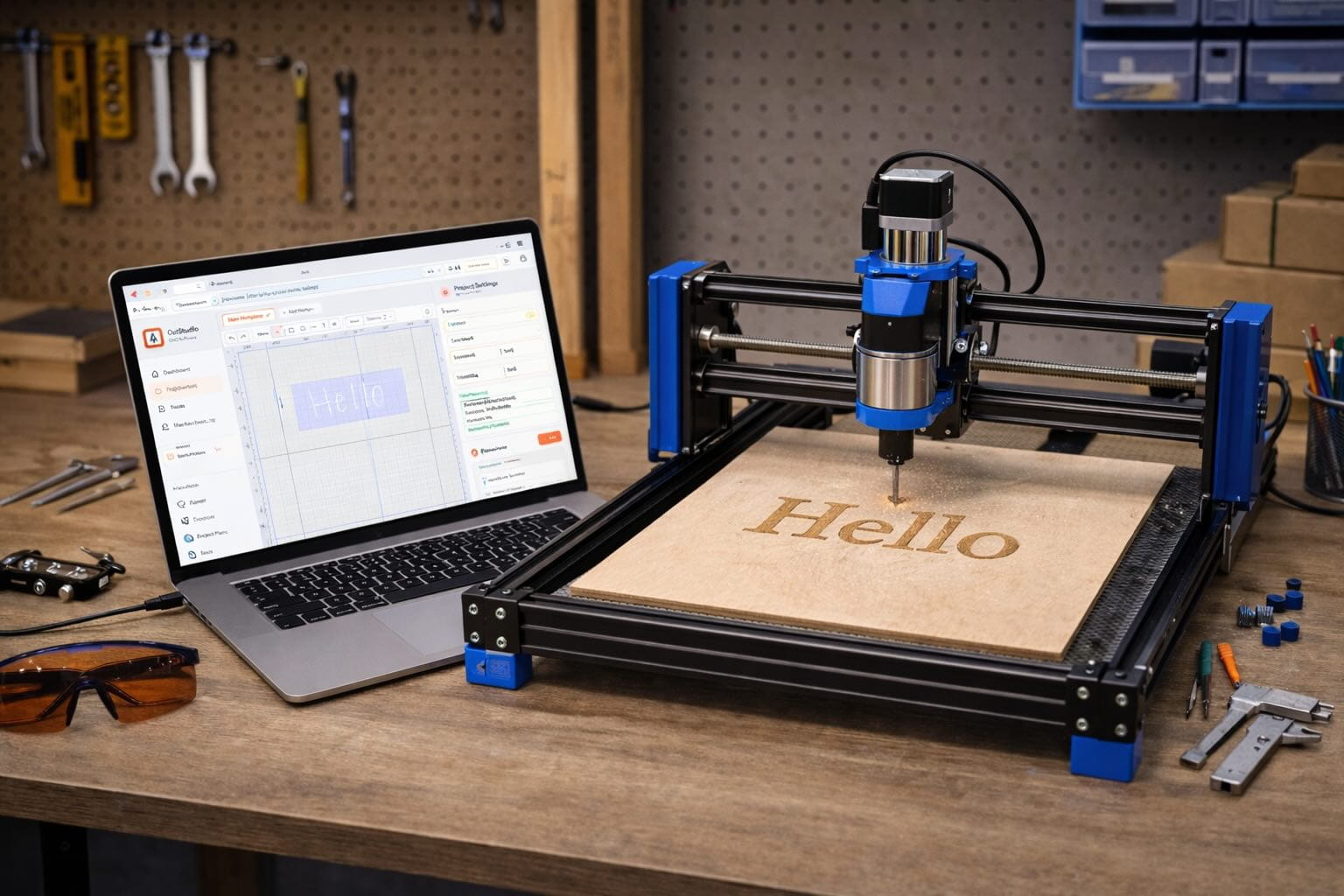
Built for the machines you already own
Why Cut Studio
Most hobby CNC workflows mean forum-diving for feeds and speeds, fighting a desktop CAM tool, and praying your G-code is right. Cut Studio will collapse that into one fluid browser tool — designed by router users, for router users.
Pick a tool from your library and a material — Cut Studio computes feedrate, spindle speed, and stepdown using real formulas: F = chipload × flutes × RPM. No forum diving, no guesswork.
Full toolpath suite: profile cuts with lead-in/out, pocketing with adaptive clearing, V-carving from angle math (depth = width/2 ÷ tan(θ/2)), and drilling.
Protect your end mills with controlled entries. Cut Studio adds ramped plunges and helical entries automatically so you never slam a bit into stock at full depth.
Save every end mill, V-bit, and ball-nose once. Pick a material and Cut Studio dials in the right chipload, flute count, and stepover automatically — no spreadsheet hunting.
Add holding tabs so parts don't shift during cutout. Add finishing passes for clean edges. Set lead-in and lead-out arcs to protect tool entry.
Hard-enforced safeZ, no G00 below clearance, validated post-processor output. The G-code Cut Studio exports is ready to run — not a starting point for more editing.
How it works
From blank canvas to a G-code file your machine can run — in three steps. No post-processor, no desktop software.
Draw vectors on the infinite canvas, drop an SVG or DXF, or start from a template. Organise work in layers by operation type.
Pick a strategy — profile, pocket, V-carve, drill — assign a tool and material. Cut Studio computes feeds, speeds, and entry moves automatically.
Review your toolpath, then export GRBL, Marlin, or LinuxCNC G-code. Send it to your machine. Make chips.
I stopped fighting my CAM software and started making parts again. Cut Studio feels like someone who actually runs a router wrote it — and it hasn't even launched yet.
Smart toolpaths
Pick a tool from your library and a material — and Cut Studio will compute the right feedrate, spindle speed, and stepdown using real formulas: F = chipload × flutes × RPM — not magic numbers from a forum post from 2011.
Full toolpath suite
Most hobby CAM tools make you pick one operation type and start over. Cut Studio lets you stack profiles, pockets, V-carves, and drill ops on different layers of the same design — and generates them all in a single ordered G-code file.
From the wishlist
These are beta testers and early sign-ups who've had a preview of what's coming.
"I've been waiting for a browser-based CNC CAM tool that actually gets feeds and speeds right. The beta is everything I hoped for."
"The V-carve depth math alone is worth signing up. No more guessing θ/2 in my head — it just works."
"I moved everything else to WebCAM already (Burn, Write, PCB). Cut Studio launching means I never have to open desktop CAM again."
"Ramp entries are the thing I always forget to set in other tools. Having them on by default is going to save a lot of end mills."
"Signed up the day I saw the feed calculator demo. Can't wait to try adaptive clearing on my Onefinity."
"The safeZ enforcement is huge. I've broken bits because my CAM let me rapid below clearance. This fixes that."
FAQ
Sign up free now and you'll get a launch-day notification — no spam, no credit card.
Get notified at launchThe Suite
One account unlocks the full WebCAM studio suite. Laser engraving, pen plotting, PCB milling — same canvas, same project library, all in your browser.
Laser engraving & raster workflows for diode and CO₂ lasers.
Pen plotting & precision drawing for Axidraw and iDraw.
Gerber import, isolation routing, and board machining.
Create your free WebCAM account now. Save your tool library, explore the other studios, and get a launch notification the moment Cut Studio goes live. No credit card needed.