Now in beta
WebCAM CNC
WebCAM CNC
CNC Software
CNC Studio Suite · Live in your browser

From idea to Reality , in one browser tab.

WebCAM is the all-in-one CNC design & toolpath studio for hobby makers and small shops. Sketch, import, nest, and generate machine-ready G-code for laser, pen, mill, and PCB — without installing a thing.

  • Free plan forever
  • Works on Mac, PC, Linux
  • No install, no CAM license
  • SVG / DXF / Gerber import
  • GRBL & Marlin G-code
  • Auto feed & speed calculator
G-code ready
profile.nc · 4,812 moves
G1 X12.50 Y8.20 F1800
G1 Z-1.20 F400
G2 X14.00 Y9.70 I1.5 J0
Feed & Speed
Auto
18k
RPM
1800
mm/min
0.04
chip
webcam.app/editor/mountain-plaque
WebCAM Studio canvas editor with toolpath preview

Built for the machines you already own

Shapeoko
🔥 xTool
🖋 Axidraw
💠 Genmitsu
GRBL
🔩 Marlin

Why WebCAM

Stop wrestling with five different tools to cut one part.

Most makers bounce between Inkscape, a slicer, a post-processor, and a sender just to get from sketch to chips. WebCAM collapses that chain into one fluid workflow — in your browser.

One canvas. Any machine.

Sketch shapes, import SVG/DXF, nest parts, and send the same project to a laser, pen plotter, or mill. No file juggling.

Toolpaths done for you

Smart defaults for profiling, pocketing, V-carving, raster, and drag-knife. Tweak what you want — or just click Generate.

Feeds & speeds, automatic

We calculate F = chipload × flutes × RPM based on your tool + material so you cut confidently, not nervously.

Your tool & material library

Save every endmill, V-bit, pen, and laser head once. Pick a material and WebCAM dials in the right parameters automatically — no spreadsheet hunting.

Browser-native, zero install

Open a project on your laptop, tweak it on your phone in the shop, share a link with a collaborator. Your studio follows you.

Safe by default

SafeZ and clearZ constraints, no rapid moves below clearance, and validated post-processor output — so the G-code you ship actually runs.

The Suite

Four studios. One workflow.

Start with a single studio and unlock the rest as your projects grow. Every studio shares the same canvas, assets, and project library.

How it works

Sketch. Toolpath. Send.

From a blank canvas to a G-code file you can drop into your sender — in three steps. No post-processor gymnastics.

01

Design or import

Draw vectors on the infinite canvas, drop an SVG, DXF, or Gerber file, or start from a template. Organize work in layers.

02

Generate toolpaths

Pick a strategy — profile, pocket, raster, V-carve — assign a tool and material. We compute feeds, speeds, and entry moves automatically.

03

Export & run

Review your toolpath, then export machine-ready G-code for GRBL, Marlin, or LinuxCNC. Send it. Make chips.

I stopped fighting my CAM software and started making parts again. WebCAM feels like someone who actually runs a router wrote it.

AM
Alex M.
Hobbyist · Shapeoko 4 + xTool D1
4
Studios, one account
0s
Install time
3
Clicks to G-code
Projects on free plan
Cut Studio · Launching later this year

Smart toolpaths

Feeds & speeds that will match your actual setup.

When Cut Studio launches later this year, you’ll pick a tool from your library and a material — and WebCAM will compute the right feedrate, spindle speed, and stepdown using real formulas — F = chipload × flutes × RPM — not magic numbers from a forum post from 2011.

  • V-bit depth from angle: depth = width/2 / tan(θ/2)
  • Ramp & helix entries to protect end mills
  • Hard-enforced safeZ — never G00 below clearance
  • Tabs, leads, and finishing passes

Cut Studio isn’t available yet. Sign up free to get notified the moment it goes live.
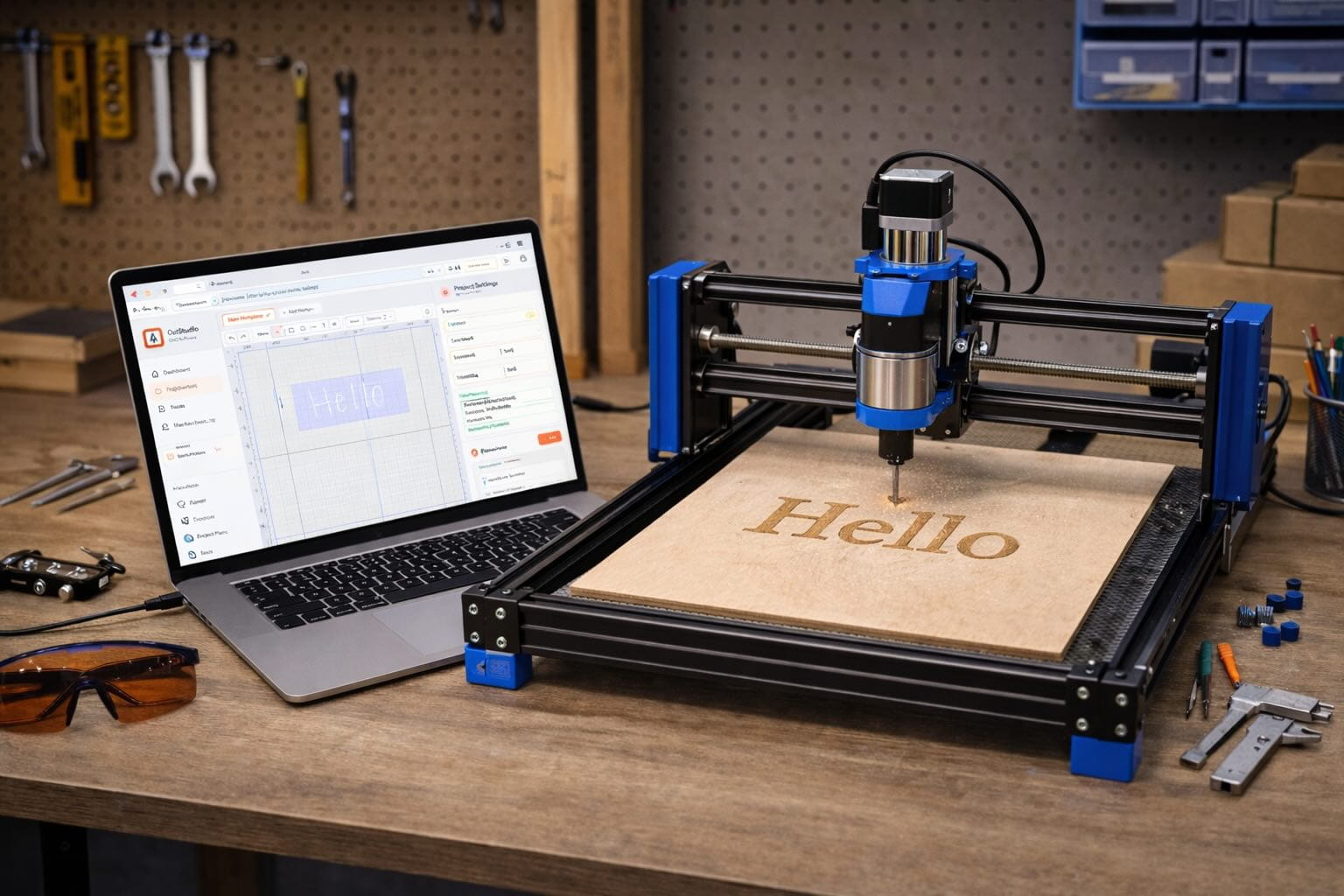
Cut Studio — launching later this year
Cut Studio · Launching later this year
; Cut Studio — launching later this year
; Tool: 1/4" 2-flute · MDF
M3 S18000
G0 X0 Y0 Z5 ; safeZ
G1 Z-2.4 F400 ; ramped
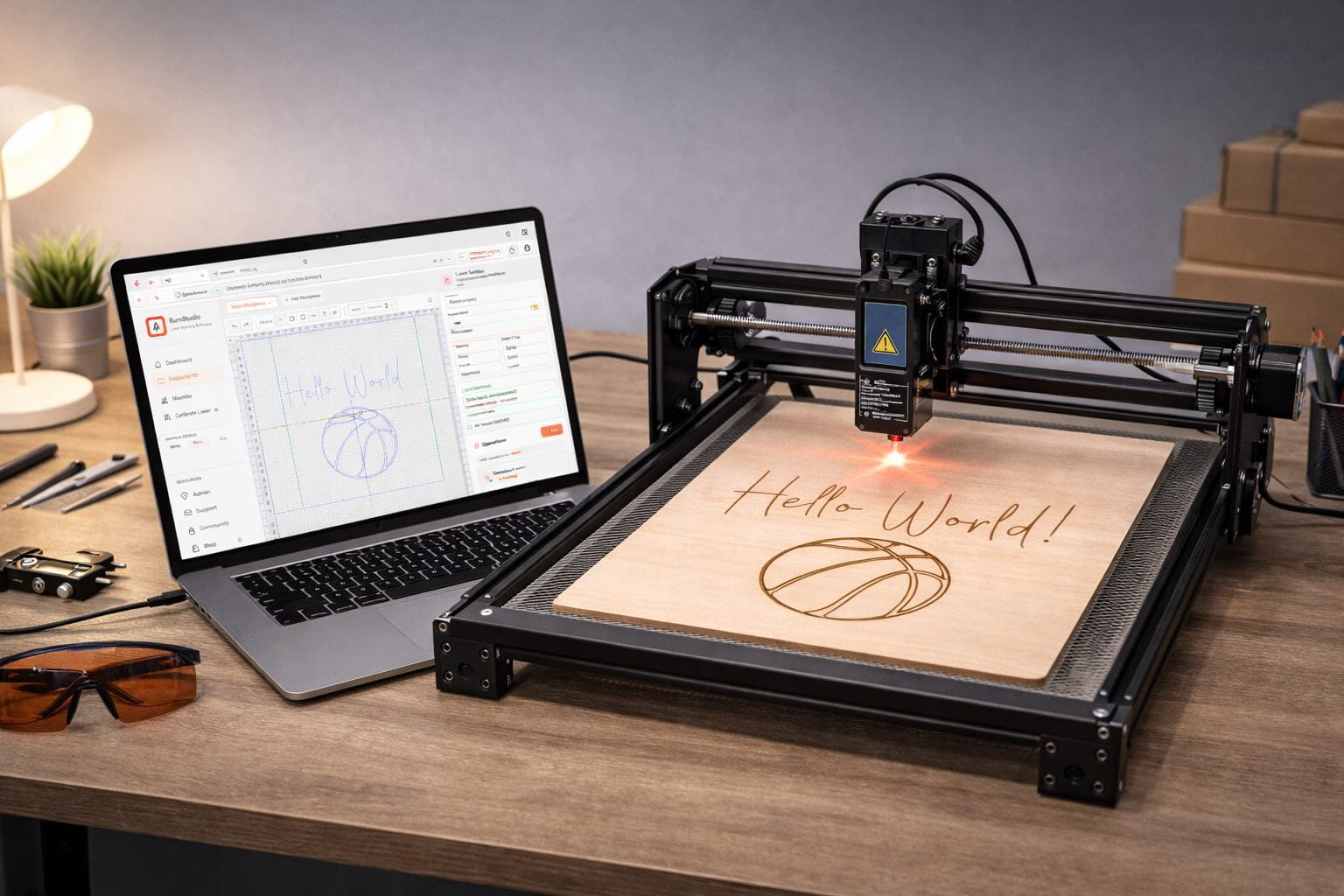
Laser raster workflow
One canvas · many machines

Project library

Your projects, wherever you open the lid.

Every design, layer, tool, and material preset lives in your WebCAM account. Sketch on a laptop, tweak on the shop tablet, share a link with a collaborator — no file shuffling, no lost revisions.

Cloud-synced
Open anywhere
Layer-based
Mix ops in one file
Reusable presets
Tools & materials
Share by link
Collaborate easily

Loved by makers

Built in the shop, not the ivory tower.

“Finally a CAM tool that doesn’t treat me like an aerospace engineer. Sketch, toolpath, cut — done in ten minutes.”
JR
Jamie R.
Shapeoko Pro owner
“The auto feeds and speeds alone saved me three broken bits last weekend. I stopped guessing and started making.”
DP
Dev P.
Hobby shop, Portland
“I use Write for my pen plotter and Burn for my laser — same canvas, same layers. It feels like cheating.”
SK
Sonia K.
Studio artist
“I moved from desktop CAM to WebCAM on a Chromebook and didn’t lose a thing. My shop iPad runs it fine.”
MD
Marco D.
Sign maker
“Auto feeds/speeds from my tool library means I stop second-guessing every cut. Huge confidence boost.”
PS
Priya S.
Maker & YouTuber
“The PCB import is a killer feature. Drop Gerbers in, get isolation routing out. Zero drama.”
TL
Tom L.
Electronics hobbyist

FAQ

The quick answers.

Still have questions? The free plan is the fastest way to kick the tires — no card, no commitment.

Create a free account
Nope. WebCAM runs entirely in modern browsers — Chrome, Edge, Safari, Firefox. Your projects live in your account, so you can open them on any machine.
Any machine that accepts GRBL, Marlin, or LinuxCNC-compatible G-code. Today that means lasers (Burn Studio), pen plotters (Write Studio), and PCB mills (PCB Studio, via Gerber/Excellon). Hobby CNC routers and desktop mills are handled by Cut Studio, which launches later this year.
Yes. The free plan gives you one studio with core features and unlimited projects, so you can go from sketch to G-code without paying. Upgrade to Single or All when you want more studios and pro features.
Absolutely. Drag-and-drop SVG and DXF into Write Studio or Burn Studio, and Gerber + Excellon into PCB Studio. Layers, colors, and geometry are preserved. (Cut Studio launches later this year and will accept the same SVG/DXF inputs.)
When Cut Studio launches later this year it will use real CNC formulas (chipload × flutes × RPM, V-bit angle math) plus hard safety constraints — safeZ, clearZ, no rapids below clearance — so the G-code it exports is ready to run. Burn, Write, and PCB Studios already ship with safe, validated output for their respective machines.
Yes. Paid plans are month-to-month or yearly, cancel whenever, no penalties. Your projects stay in your account.

Your next project is waiting. Start making in 60 seconds.

Create a free WebCAM account, open a studio, and generate real G-code today — no card, no install, no catch.

Free forever No credit card Cancel anytime
Log in Free Trial