Jetzt in der Beta
WebCAM CNC
WebCAM CNC
CNC Software
Jetzt in der Beta

WebCAM CNC — Browser-Based CAM Software Vom Design zum , direkt im Browser

Entwirf oder importiere Formen, lege deine Schnittdetails fest und exportiere maschinenfertige Dateien — alles ohne Installation. CutStudio CNC bringt professionelle CNC-Software in deine Werkstatt, ohne die übliche Komplexität.

Vom Design zum Schnitt
Taschen, Konturen, Gravurpfade
Web-native
Läuft überall, keine Installation
Für Maker gemacht
Einfache, moderne Oberfläche

Drei Produkte, ein Maker-Workflow

Von der Idee bis zur Produktion mit spezialisierten Tools für Schreiben, Brennen und Schneiden.

Write Studio Arbeitsbereich für Beschriftung und Schilder

Pen plotting and precision drawing

Write Studio

Gestalte Beschriftungen, Schild-Layouts und gravurfertige Kompositionen mit optimierten Text- und Vektorwerkzeugen.

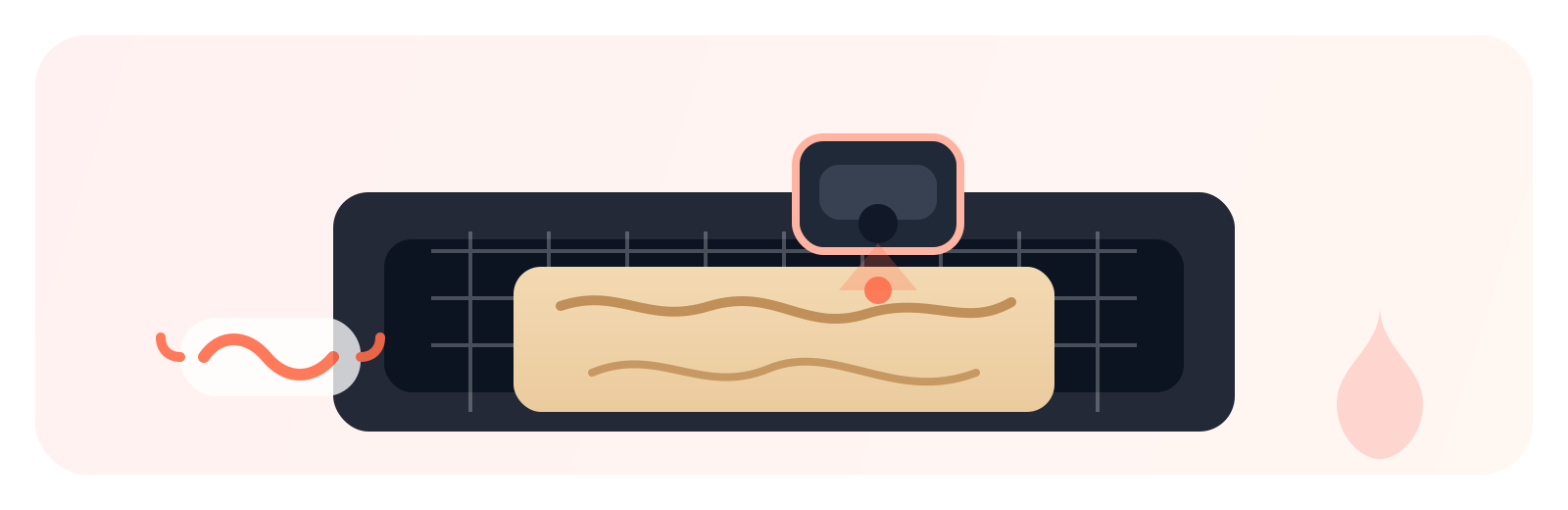
Burn Studio Laser-Workflow-Vorschau

Laser engraving and raster workflows

Burn Studio

Optimiere Laser-Gravureinstellungen, steuere Mehrfachdurchläufe und prüfe das Ergebnis in der Vorschau vor dem Start.

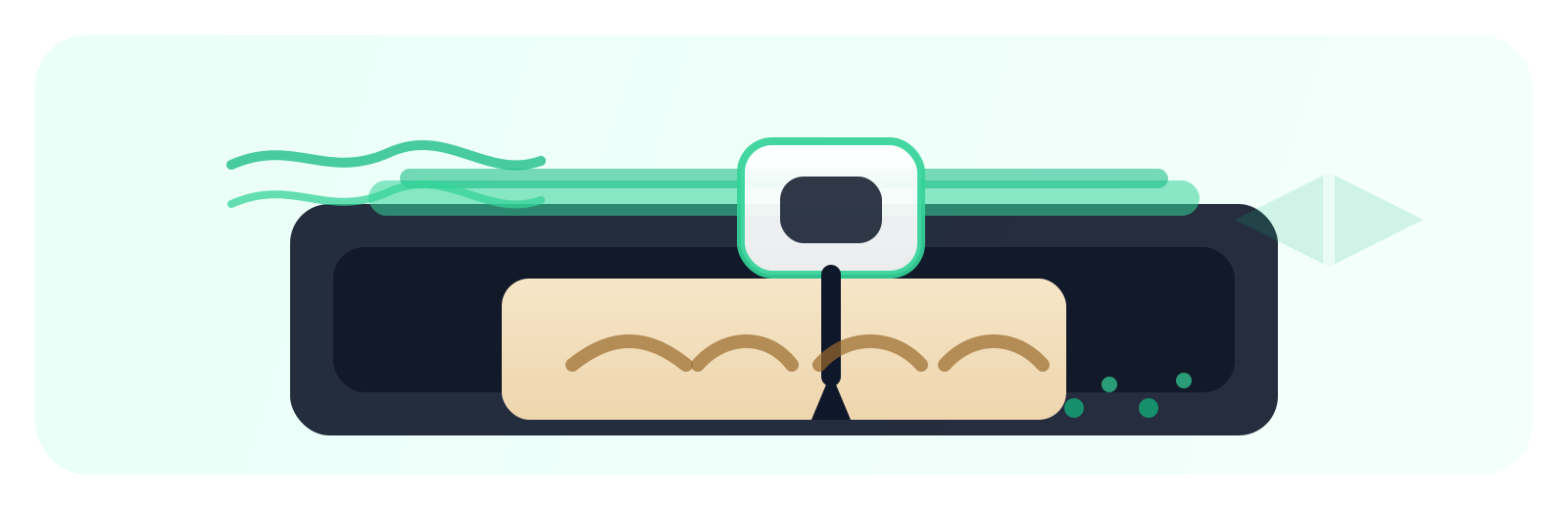
Cut Studio CNC-Werkzeugpfad-Vorschau

CNC milling and toolpath control

Cut Studio

Kommt später in diesem Jahr

Erstelle zuverlässige CNC-Werkzeugpfade mit besseren Einfahrbewegungen, smarten Strategien und maschinenfertigem Export.

PCB Studio preview

Gerber intake and board machining

PCB Studio

Import Gerber/Excellon files, auto-build edge, isolation, and drilling operations, then generate PCB-ready output.

Preise

Einfache Preise für Maker

Pro-Funktionen zum Hobby-Preis.

Starter

$ 0.00
  • 1 Studio
  • Unlimited Projects
  • G-Code Download
Start Free
Am beliebtesten

Creator

$ 4.99

Save $10.88 per year

  • 1 Studio
  • Unlimited Projects
  • Private Projects
  • G-Code Download
  • Direct Machine Connection
Start Creator

Pro

$ 9.99

Save $20.88 per year

  • All Studios
  • Unlimited Projects
  • Private Projects
  • G-Code Download
  • Direct Machine Connection
Go Pro
14-day free trial on paid plans Cancel anytime No credit card for free plan Month-to-month or yearly

Four studios. One workflow. Flexible access.

WebCAM is built so you can start free, scale when you need more, and keep everything in one place.

Write Studio, Burn Studio, Cut Studio, and PCB Studio are purpose-built for different making workflows, but they share one account, one interface style, and one project ecosystem.

The Free plan gives you a single studio with limited features so you can get started quickly. Single unlocks all features in one studio, and All unlocks all features across all studios.

This means you only pay for the scope you need today: focused single-studio work, or full cross-studio capability as your projects grow.

No install complexity, no toolchain juggling, and no separate products to manage. Just pick your plan, choose your studio, and build.

Frequently Asked Questions

Everything you need to know about WebCAM CNC.

What is WebCAM CNC?
WebCAM CNC is browser-based Computer-Aided Manufacturing (CAM) software built for hobby makers. It includes four purpose-built studios: Write Studio for pen plotting and sign work, Burn Studio for laser engraving, Cut Studio for CNC milling and toolpath generation, and PCB Studio for circuit board prototyping. Everything runs in your browser — no software to install.
What CNC machines does WebCAM CNC support?
WebCAM CNC supports GRBL-based CNC routers — including X-Carve, Shapeoko, 3018-PRO, FoxAlien, and VEVOR machines — as well as diode laser engravers and pen plotters. It exports standard G-code compatible with most hobby CNC controllers.
How does browser-based CAM software work?
WebCAM CNC runs entirely in your web browser. You design your project, configure toolpaths and machine settings, then export a machine-ready G-code file — all without installing any software. You can connect directly to your machine via the Web Serial API or download the file to an SD card.
What is the difference between Write Studio, Burn Studio, Cut Studio, and PCB Studio?
Write Studio is for pen plotting and precision drawing — signs, postcards, and handwritten prints. Burn Studio handles laser engraving with raster and vector workflows. Cut Studio generates CNC milling toolpaths with pocket, outline, V-carving, and drag-knife strategies. PCB Studio imports Gerber and Excellon files to create circuit board isolation routing and drilling toolpaths.
Is WebCAM CNC free?
Yes. WebCAM CNC has a Free plan that gives you access to one studio with core features. Paid plans — Single (all features in one studio) and All (all features across all four studios) — include a 14-day free trial.
Does WebCAM CNC require installation?
No. WebCAM CNC is entirely browser-based. There is nothing to download or install — just open your browser, create an account, and start designing. It works on any computer with a modern web browser.
Is WebCAM CNC a camera or webcam product?
No. "WebCAM" stands for Web Computer-Aided Manufacturing. WebCAM CNC is CAM software — it generates G-code toolpaths for CNC machines, laser engravers, and pen plotters. It has nothing to do with webcams or cameras.
Log in Kostenlose Testphase