Now in beta
WebCAM CNC
WebCAM CNC
CNC Software
Four purpose-built studios

WebCAM CNC — Browser-Based CAM Software Effortless , right in your browser

Build signs in Write Studio, engrave projects in Burn Studio, and generate precise toolpaths in Cut Studio. CutStudio CNC keeps your entire maker workflow in one browser-based workspace.

Design to cut
Pocket, outline, engraving paths
Web‑native
Runs anywhere, no installs
Maker‑friendly
Simple, modern UI

Three products, one maker workflow

Move from concept to production with dedicated tools for writing, burning, and cutting.

Write Studio sign and lettering workspace

Pen plotting and precision drawing

Write Studio

Design postcarts, sketch pages, and handwritten prints with streamlined text and vector prep tools.

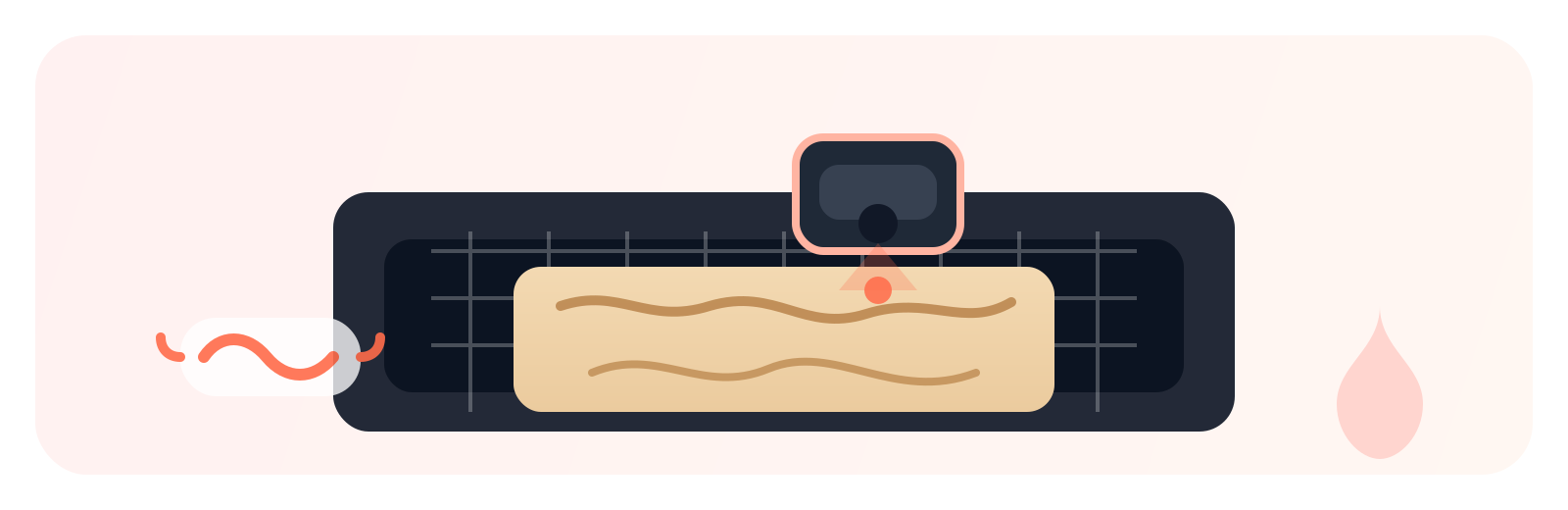
Burn Studio laser workflow preview

Laser engraving and raster workflows

Burn Studio

Optimize laser engraving settings, control pass strategy, and preview burn output before you run a job.

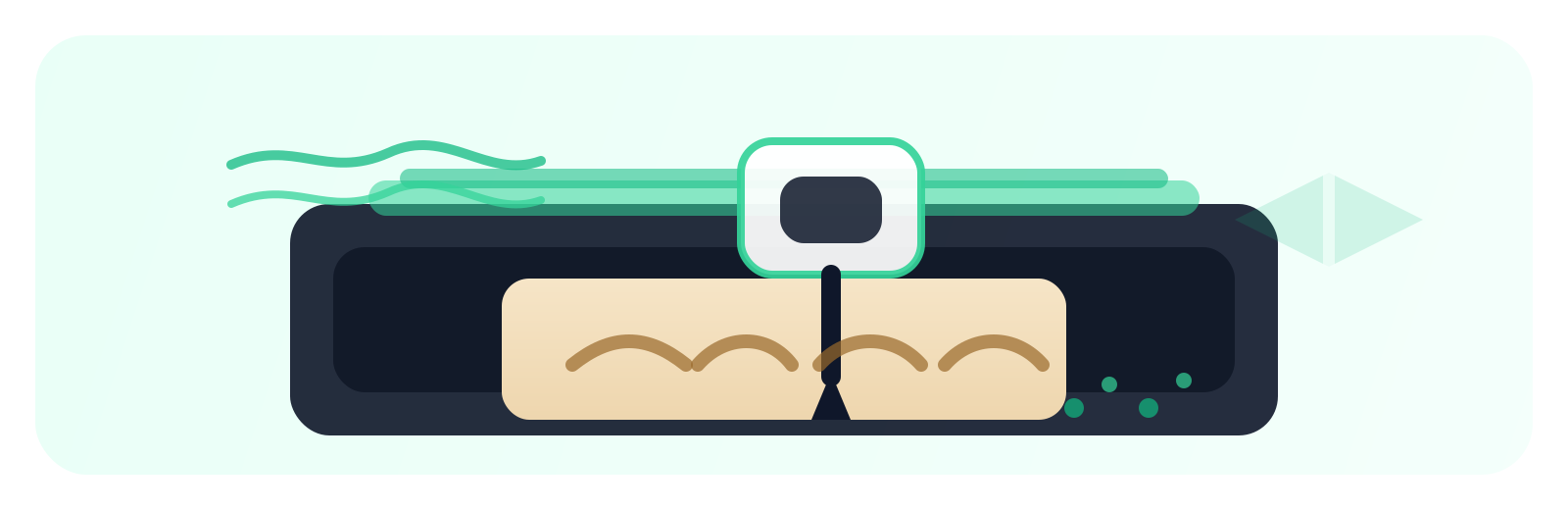
Cut Studio CNC toolpath preview

CNC milling and toolpath control

Cut Studio

Coming later this year

Build reliable CNC toolpaths with cleaner entry moves, smarter cutting strategies, and machine-ready exports.

PCB Studio preview

Gerber intake and board machining

PCB Studio

Import Gerber/Excellon files, auto-build edge, isolation, and drilling operations, then generate PCB-ready output.

Pricing

Simple pricing for makers

Pro features at hobbyist prices.

Starter

$ 0.00
  • 1 Studio
  • Unlimited Projects
  • G-Code Download
Start Free
Most Popular

Creator

$ 4.99

Save $10.88 per year

  • 1 Studio
  • Unlimited Projects
  • Private Projects
  • G-Code Download
  • Direct Machine Connection
Start Creator

Pro

$ 9.99

Save $20.88 per year

  • All Studios
  • Unlimited Projects
  • Private Projects
  • G-Code Download
  • Direct Machine Connection
Go Pro
14-day free trial on paid plans Cancel anytime No credit card for free plan Month-to-month or yearly

Four studios. One workflow. Flexible access.

WebCAM is built so you can start free, scale when you need more, and keep everything in one place.

Write Studio, Burn Studio, Cut Studio, and PCB Studio are purpose-built for different making workflows, but they share one account, one interface style, and one project ecosystem.

The Free plan gives you a single studio with limited features so you can get started quickly. Single unlocks all features in one studio, and All unlocks all features across all studios.

This means you only pay for the scope you need today: focused single-studio work, or full cross-studio capability as your projects grow.

No install complexity, no toolchain juggling, and no separate products to manage. Just pick your plan, choose your studio, and build.

Frequently Asked Questions

Everything you need to know about WebCAM CNC.

What is WebCAM CNC?
WebCAM CNC is browser-based Computer-Aided Manufacturing (CAM) software built for hobby makers. It includes four purpose-built studios: Write Studio for pen plotting and sign work, Burn Studio for laser engraving, Cut Studio for CNC milling and toolpath generation, and PCB Studio for circuit board prototyping. Everything runs in your browser — no software to install.
What CNC machines does WebCAM CNC support?
WebCAM CNC supports GRBL-based CNC routers — including X-Carve, Shapeoko, 3018-PRO, FoxAlien, and VEVOR machines — as well as diode laser engravers and pen plotters. It exports standard G-code compatible with most hobby CNC controllers.
How does browser-based CAM software work?
WebCAM CNC runs entirely in your web browser. You design your project, configure toolpaths and machine settings, then export a machine-ready G-code file — all without installing any software. You can connect directly to your machine via the Web Serial API or download the file to an SD card.
What is the difference between Write Studio, Burn Studio, Cut Studio, and PCB Studio?
Write Studio is for pen plotting and precision drawing — signs, postcards, and handwritten prints. Burn Studio handles laser engraving with raster and vector workflows. Cut Studio generates CNC milling toolpaths with pocket, outline, V-carving, and drag-knife strategies. PCB Studio imports Gerber and Excellon files to create circuit board isolation routing and drilling toolpaths.
Is WebCAM CNC free?
Yes. WebCAM CNC has a Free plan that gives you access to one studio with core features. Paid plans — Single (all features in one studio) and All (all features across all four studios) — include a 14-day free trial.
Does WebCAM CNC require installation?
No. WebCAM CNC is entirely browser-based. There is nothing to download or install — just open your browser, create an account, and start designing. It works on any computer with a modern web browser.
Is WebCAM CNC a camera or webcam product?
No. "WebCAM" stands for Web Computer-Aided Manufacturing. WebCAM CNC is CAM software — it generates G-code toolpaths for CNC machines, laser engravers, and pen plotters. It has nothing to do with webcams or cameras.
Log in Free Trial